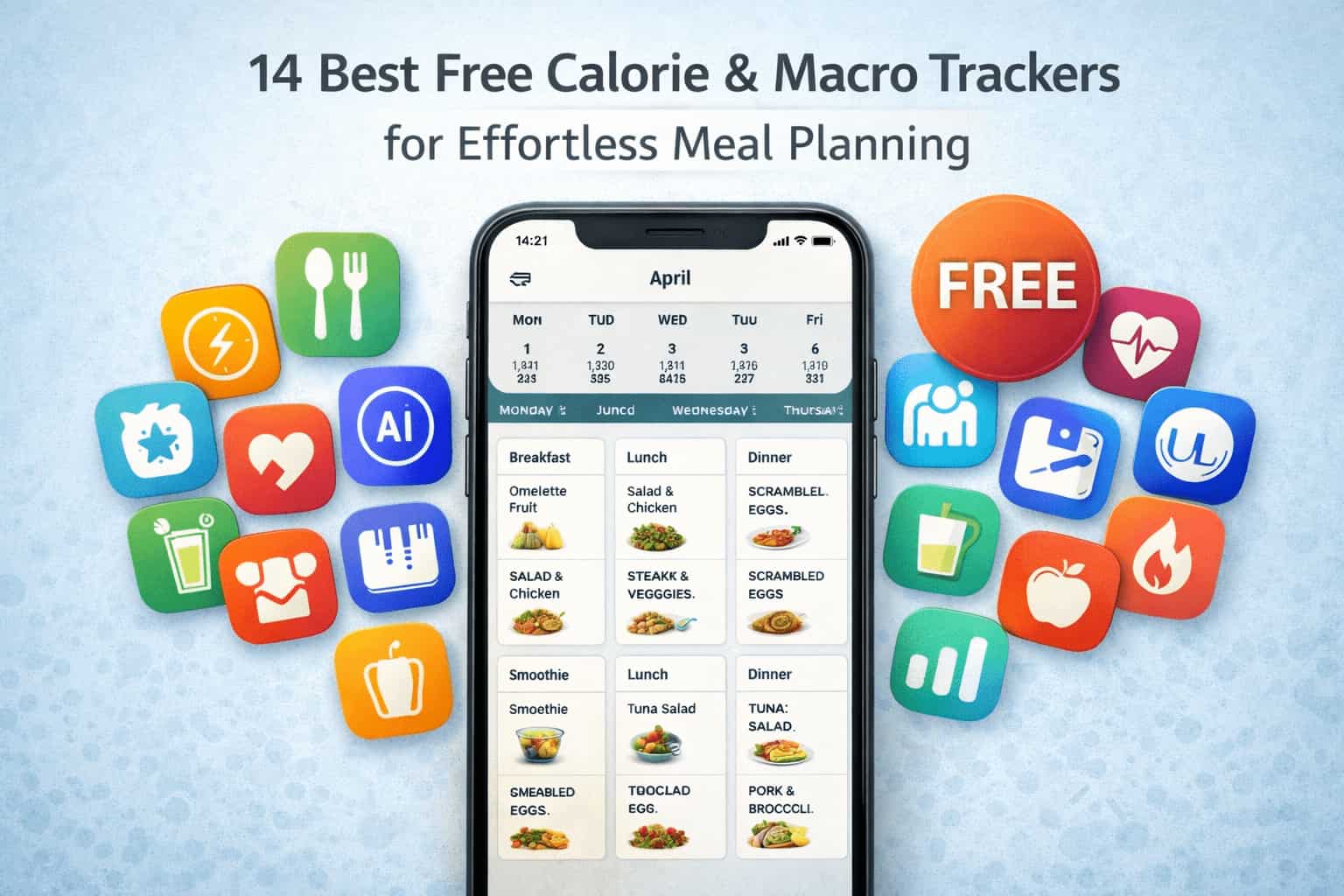
Finding the right calorie and macro tracking app doesn’t have to drain your wallet. The best tools for nutrition tracking are often completely free or offer robust free versions that rival premium competitors. Whether you’re trying to lose weight, build muscle, or simply understand your nutrition better, this guide reviews 14 of the best free calorie and macro trackers with meal planning features.
Contents
What Makes a Great Free Calorie and Macro Tracker?
Before comparing apps, understand what separates good trackers from great ones:
- Comprehensive Food Database: The larger and more accurate the database, the less manual entry required
- Barcode Scanner: Essential for packaged foods—saves time and improves accuracy
- Meal Planning Features: Built-in recipes, meal suggestions, and personalized plans streamline your week
- Macro Customization: Ability to set specific protein, carb, and fat targets based on your goals
- User-Friendly Interface: If tracking feels like work, you won’t stick with it
- Accuracy: Verified, lab-analyzed data is more reliable than user-contributed entries
- Sync Capabilities: Integration with fitness trackers and health apps creates a complete picture
The 14 Best Free Calorie and Macro Trackers
1. EATAI
Best For: People who want AI-powered tracking without manual database searching
Overview EATAI revolutionizes macro and calorie tracking by using AI photo-recognition technology. Instead of searching databases or manually entering foods, you simply photograph your meal and get instant nutritional breakdown including macros.
How It Works Take a photo of your meal, the AI identifies foods and portions, instant macro/calorie information appears. For packaged foods, barcode scanner provides exact nutritional data.
Pros
- Revolutionary AI photo-recognition technology
- Eliminates tracking friction and database searching
- Barcode scanner for packaged foods
- Perfect for meal planning (photograph meals before eating)
- Works for restaurant meals and home-cooked dishes
- Fast and intuitive
- Modern, beautiful interface
- Makes consistency effortless
Meal Planning Advantage: Take photos of meals you’re planning, and EATAI instantly shows if they fit your macro targets
Price: Free (with premium features available)
Verdict: The easiest way to track macros and calories. Perfect for busy people who find traditional tracking tedious.
2. MyFitnessPal
Best For: Comprehensive tracking with the largest food database
Overview MyFitnessPal has over 18 million foods in its database, making it the most comprehensive free tracker available. It tracks calories, macros, and micronutrients with detailed progress tracking.
How It Works Log your foods daily, set macro targets, track progress with charts and reports. The app syncs with fitness devices for comprehensive health tracking.
Pros
- Largest food database (18+ million foods)
- Verified entries marked with green checkmark
- Macro customization (percentage-based in free version)
- Syncs with 35+ fitness devices
- Recipe builder and meal logging
- Strong community and forums
- Comprehensive nutritional breakdowns
- Free version is quite capable
Cons
- Barcode scanner moved to premium (2022 change)
- User-contributed entries can be inaccurate
- Less focused on meal planning than some alternatives
- Interface can feel overwhelming
Meal Planning: Recipes and custom food logging help with planning
Price: Free (with premium at $12.99/month)
Verdict: Best for comprehensive tracking if you don’t mind database searching and setup.
3. Cronometer
Best For: Health-focused people who want micronutrient tracking
Overview Cronometer is designed to help people “eat smarter and live better” and offers tracking of 82 micronutrients along with calorie and macro information.
How It Works Log foods and see complete nutritional breakdowns including all vitamins and minerals. Barcode scanner works in free version. Customize macro targets for any goal.
Pros
- Tracks 82 micronutrients (most comprehensive)
- Cronometer’s barcode reader is available to all free users and all food items come from laboratory-analyzed sources like USDA and NCCDB or are verified by staff
- No ads in free version
- Excellent database quality
- Beautiful interface
- Great for specific diets (vegan, keto, etc.)
- Free version gives access to everything you need
Cons
- More complex than simple calorie trackers
- Smaller community than MyFitnessPal
- Overkill for people who just want weight loss
- Less meal planning focus
Meal Planning: Recipe builder and macro customization support planning
Price: Free (with premium at $2.99/month)
Verdict: Cronometer offers the best value and user experience among free apps.
4. Lose It!
Best For: Simple calorie counting and beginners
Overview Lose It! focuses on simplicity. You set a daily calorie goal, log your foods, and stay within your budget. Less overwhelming than comprehensive trackers.
How It Works Set your calorie target, log meals daily, see remaining calories. Simple progress tracking shows trend toward your goal.
Pros
- Extremely user-friendly interface
- Good food database
- Affordable ($39.99/year or free)
- Photo logging feature
- Community challenges available
- Perfect for beginners
- Quick to learn
Cons
- Barcode scanner only in premium
- Less macro-focused than alternatives
- Limited meal planning features
- Smaller community than MyFitnessPal
Meal Planning: Basic meal logging supports planning
Price: Free or $39.99/year
Verdict: Lose It! is excellent for beginners who want to start tracking nutritional intake.
5. Lifesum
Best For: Holistic health and meal planning
Overview Lifesum combines calorie and macro tracking with meal planning, recipes, and water/sleep tracking. It emphasizes balance over restriction.
How It Works Set goals, receive personalized meal recommendations, log meals, track water, exercise, and sleep. Get daily insights on overall wellness balance.
Pros
- Integrated meal planning and recommendations
- Holistic health approach (hydration, sleep, movement)
- Beautiful, intuitive interface
- Personalized recipes based on macros
- Free version is quite capable
- Good for overall wellness, not just weight loss
Cons
- Meal planning features more robust in premium
- Smaller community
- Less detailed macro customization
- Fewer micronutrients tracked
Meal Planning Advantage: Built-in meal planning with personalized recipe recommendations
Price: Free (with premium at $9.99-$12.99/month)
Verdict: Perfect if you want meal planning integrated with nutrition tracking.
6. Yazio
Best For: Meal planning and macro balance
Overview Yazio combines nutrition tracking with personalized meal planning, recipes (250,000+), and shopping lists. It’s specifically designed to simplify meal planning.
How It Works Set dietary preferences (keto, vegan, Mediterranean, etc.), receive weekly meal plans with recipes, get shopping lists, track your intake, and adjust macros.
Pros
- 250,000+ recipes built-in
- Personalized meal planning
- Shopping list integration
- Macro and micronutrient tracking
- Budget-friendly
- Educational nutrition content
- Multiple diet presets
Cons
- Interface can feel feature-heavy
- Meal planning features better in premium
- Smaller community than MFP
- Smaller food database than competitors
Meal Planning Advantage: Designed specifically for personalized meal planning with recipes
Price: Free (with premium at $3.99-$11.99/month)
Verdict: Best choice if meal planning is your biggest challenge.
7. FatSecret
Best For: Completely free tracking without ads
Overview FatSecret is genuinely free with no premium tier, no ads, and no constant pressure to upgrade. It’s a straightforward calorie and macro tracker.
How It Works Log your foods, track calories and macros, monitor weight progress, connect with the community. Simple and focused.
Pros
- Completely free (no premium tier)
- No ads
- User-verified food database
- Active community and forums
- Good progress tracking
- Barcode scanner included
- No paywalls
Cons
- Older interface design
- Smaller community than MyFitnessPal
- Less sophisticated than newer competitors
- Limited meal planning features
Meal Planning: Recipe logging and customization available
Price: Completely free
Verdict: Best choice if cost is your primary concern.
8. MacroFactor
Best For: Advanced users who want AI-adjusted macros
Overview MacroFactor is the only app that makes calculations and adjustments based on what you actually did, not what you were supposed to do.
How It Works Log foods, MacroFactor uses AI to calculate your actual energy expenditure based on weight trends and intake. Your macros adjust intelligently week to week.
Pros
- MacroFactor quantifiably has the fastest, most efficient food logger on the market
- AI adjusts targets based on actual progress
- Science-backed approach
- Perfect for experienced users
- No rigid diet approach
- Syncs with Apple Health and Google Fit
Cons
- No free version (premium only)
- Steeper learning curve
- Less meal planning focus
- Smaller community than MyFitnessPal
Price: Premium subscription required
Verdict: Best for advanced users who understand macros and want intelligent optimization.
9. Fitbit App
Best For: Fitbit device users
Overview The Fitbit app combines activity tracking with nutrition logging. If you use a Fitbit device, the integration creates a complete health picture.
How It Works Log meals, track activity automatically from your Fitbit, monitor calories burned, see comprehensive health data in one place.
Pros
- Seamless integration with Fitbit devices
- Automatic activity sync
- Complete health dashboard
- Free with Fitbit device
- Community support
- Simple, focused interface
Cons
- Requires Fitbit device for full benefit
- Smaller food database than MyFitnessPal
- Limited if you don’t use Fitbit
- Less meal planning than some alternatives
Meal Planning: Basic meal logging available
Price: Free (with Fitbit device)
Verdict: Essential if you’re in the Fitbit ecosystem.
10. MyNetDiary
Best For: Lightweight tracking with meal recipes
Overview MyNetDiary offers comprehensive tracking in a lightweight app focused on simplicity. MyNetDiary’s recipe calculator is the crowning jewel—input your recipes, adjust serving sizes, and get detailed nutritional breakdown.
How It Works Set macro targets, log foods, build custom recipes, track progress. The app stays simple and focused.
Pros
- Lightweight, non-bloated app
- Comprehensive macro and micronutrient tracking
- Excellent recipe calculator and builder
- Good food database
- Ad-free
- Affordable
Cons
- Smaller community than MyFitnessPal
- Less meal planning integration
- Free version somewhat limited
- Less polished interface
Meal Planning Advantage: Recipe builder is excellent for meal planning
Price: Free (with premium at $5.99/month)
Verdict: Perfect if you cook frequently and want to track custom recipes.
11. Fooducate
Best For: Food quality education and transparency
Overview Fooducate focuses on food quality and nutritional transparency. It rates foods and teaches you about ingredients.
How It Works Scan barcodes or search foods, receive nutritional grades, learn about ingredients, get personalized recommendations, track nutrition.
Pros
- Educational focus on food quality
- Simple, clean interface
- Barcode scanner included
- Focus on real food, not restriction
- Community support available
- Affordable
Cons
- Less detailed tracking than comprehensive apps
- Smaller community
- Limited meal planning
- Less suitable for serious macro tracking
Meal Planning: Basic meal logging available
Price: Free (with premium at $5.99/month)
Verdict: Great for learning about nutrition and making better food choices.
12. CRON-O-Meter’s Predecessor: Happy Scale / Libra
Best For: Weight tracking with macro support
Overview While primarily weight tracking apps, Happy Scale and Libra include basic macro and calorie tracking. Excellent for seeing weight trends without obsessing over daily fluctuations.
How It Works Track weight daily, the app smooths out fluctuations to show real progress. Log meals and macros to understand what works.
Pros
- Excellent trend analysis for weight
- Reduces scale obsession
- Completely free
- Simple, focused interface
- Can integrate with other apps
Cons
- Macro tracking is basic
- Not designed as primary tracker
- Limited food database
- Best used with another app
Meal Planning: Not focused on meal planning
Price: Completely free
Verdict: Perfect as a secondary app to track weight trends while using another app for detailed tracking.
13. Nutritionix Track
Best For: Restaurant meals and fast food tracking
Overview Nutritionix Track excels at restaurant meals. It has extensive data on fast-food and chain restaurant options, making it ideal for people who eat out frequently.
How It Works Search for restaurant meals, log them with macro information, track your daily totals. Simple and quick.
Pros
- Excellent restaurant database
- Fast logging process
- Good barcode scanner
- Large overall food database
- Simple interface
- Completely free
- Great for quick meals
Cons
- Limited micronutrient tracking
- Less polished than competitors
- Limited meal planning
- Smaller community
Meal Planning: Good for planning restaurant meals
Price: Completely free
Verdict: Ideal if you eat out frequently.
14. Macro Max
Best For: Personalized macros with minimal tracking friction
Overview Macro Max combines fast logging (3 clicks, 16 seconds), personalized macros, meal suggestions, progress reports, and a UI that doesn’t make you want to throw your phone.
How It Works Set goals, log meals quickly, get personalized macro suggestions, track progress. Minimal friction design.
Pros
- Free version includes everything you need to get started, custom macro goals, fast logging, a huge verified database, and meal suggestions
- Fast logging (3-click entry)
- Personalized macros
- Ad-free free version
- No gimmicks approach
- Built for real-life results
Cons
- Newer app (less track record)
- Smaller community
- Less comprehensive database than MyFitnessPal
- Limited meal planning
Meal Planning: Meal suggestions help planning
Price: Free
Verdict: Best macro tracking app is one that actually helps you change your life.
Quick Comparison Chart
| App | Best For | Barcode | Meal Plans | Macros | Price |
|---|---|---|---|---|---|
| EATAI | AI photo tracking | Yes | Yes | Yes | Free |
| MyFitnessPal | Comprehensive | Premium | Basic | Yes | Free |
| Cronometer | Micronutrients | Free | Yes | Excellent | Free |
| Lose It! | Beginners | Premium | Basic | Basic | Free |
| Lifesum | Holistic health | Yes | Excellent | Good | Free |
| Yazio | Meal planning | Yes | Excellent | Good | Free |
| FatSecret | Budget tracking | Yes | Basic | Good | Free |
| MacroFactor | Advanced | Yes | No | Excellent | Premium |
| Fitbit | Fitbit users | Yes | Basic | Good | Free |
| MyNetDiary | Recipe builder | Yes | Good | Excellent | Free |
| Fooducate | Food quality | Yes | Basic | Basic | Free |
| Happy Scale/Libra | Weight trends | No | No | Basic | Free |
| Nutritionix | Restaurant meals | Yes | Restaurant | Good | Free |
| Macro Max | Fast logging | Yes | Suggestions | Excellent | Free |
How to Choose Your Tracker
If Ease of Use is Priority
Choose EATAI (AI photo) or Lose It! (simple interface)
If Meal Planning is Your Challenge
Choose Yazio (250,000+ recipes) or Lifesum (personalized recommendations)
If You Want Maximum Free Features
Choose Cronometer (barcode + micros free) or MyFitnessPal (largest database)
If You Eat Out Frequently
Choose Nutritionix Track (restaurant database) or EATAI (works great for restaurant meals)
If Micronutrients Matter
Choose Cronometer (82 nutrients tracked)
If You Value Simplicity
Choose Lose It! or Fooducate
If You Want Speed and Efficiency
Choose EATAI (photo logging) or Macro Max (3-click entry)
If Cost Is Your Main Concern
Choose FatSecret (completely free, no ads)
Pro Tips for Effortless Meal Planning
- Use Meal Prep: Cook proteins and veggies in bulk, log once, use all week
- Save Recipes: Build your custom recipes in the app and reuse them
- Plan Your Macros First: Know your targets, then build meals around them
- Use Your Barcode Scanner: For packaged foods, scanning beats manual entry
- Log Before Eating: If using EATAI, photograph meals before eating to ensure they fit macros
- Batch Log: Enter multiple meals at once instead of constantly
- Use App Recommendations: Let meal planning features suggest recipes that fit your macros
- Track Water and Sleep: Complete tracking supports better overall health
- Review Weekly Trends: Adjust next week’s meals based on last week’s data
- Set Realistic Macros: Overly strict macros make consistency impossible
The Bottom Line
The best free calorie and macro tracker is the one you’ll actually use consistently. Cost isn’t the barrier anymore—these apps are either free or very affordable. The decision comes down to your specific needs:
- Want AI-powered simplicity? Choose EATAI
- Want comprehensive tracking? Choose MyFitnessPal or Cronometer
- Want meal planning? Choose Yazio or Lifesum
- Want simplicity? Choose Lose It! or Fooducate
- Want to save money? Choose FatSecret or Macro Max
All of these apps can help you build better nutrition habits and reach your goals. The key is picking one, committing to it for 4 weeks, and letting results guide whether you need to switch.
Your path to better nutrition and body composition starts with choosing the right tool. Pick one from this list, download it today, and start building the habits that create lasting change.
References
- Cronometer Official Website – www.cronometer.com
- IIFYM – Best Macro Tracking App 2025
- MyFitnessPal Official Website – www.myfitnesspal.com
- UseNourish – 5 Best Macro Tracking Apps According to RD
- DoIT Software – Best Free Macro Tracking Apps 2025
- NutriScan – Best Free AI Calorie Tracking Apps 2026
- Working Against Gravity – Best Free Macro Tracking App
- MacroFactor Official Website – www.macrofactor.com
- KatelymanNutrition – Comparing Best Tracking Apps
- Lose It! Official Website – www.loseit.com
- Lifesum Official Website – www.lifesum.com
- Yazio Official Website – www.yazio.com
- FatSecret Official Website – www.fatsecret.com
- EATAI Official Website – https://geteatai.app